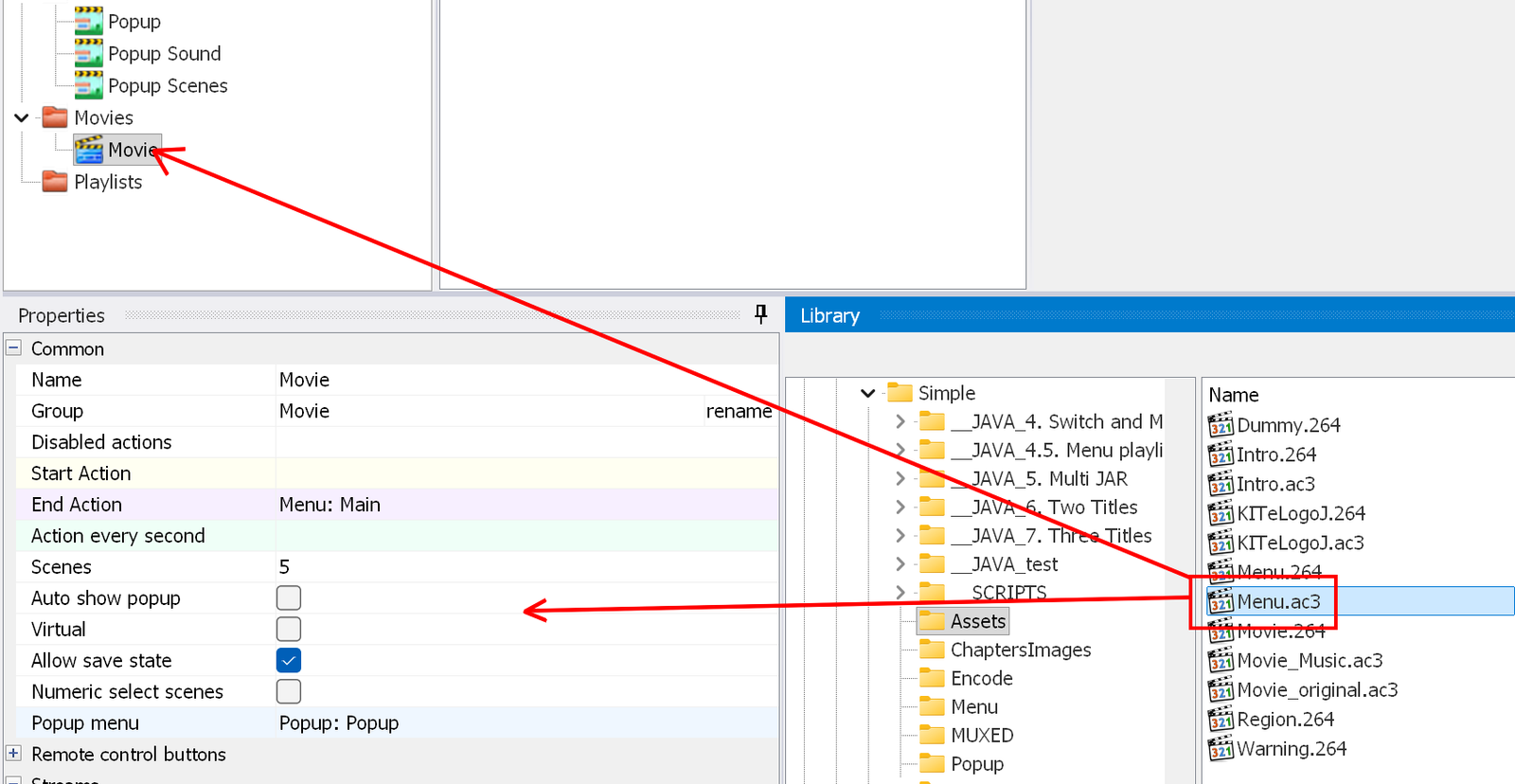
You can add streams to a movie in several ways:
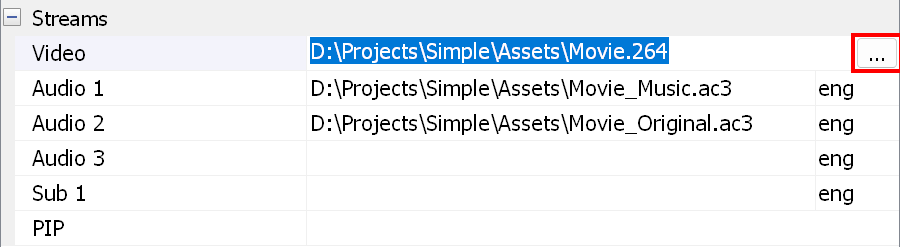
Note: see also how to specify multiple-file streams.
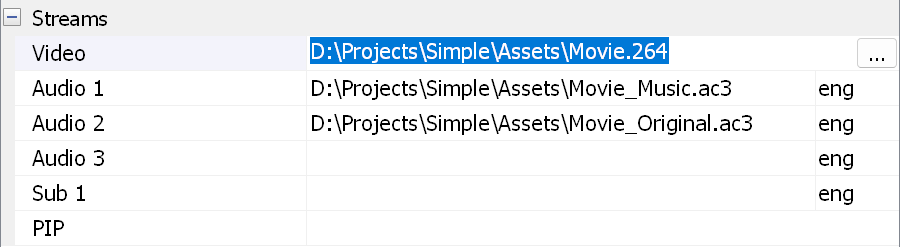
To remove a track, select it and press the Delete key on your keyboard:
To move an audio or subtitle track up/down, change the audio delay or disable the track, right-click the track title - this opens the context menu:
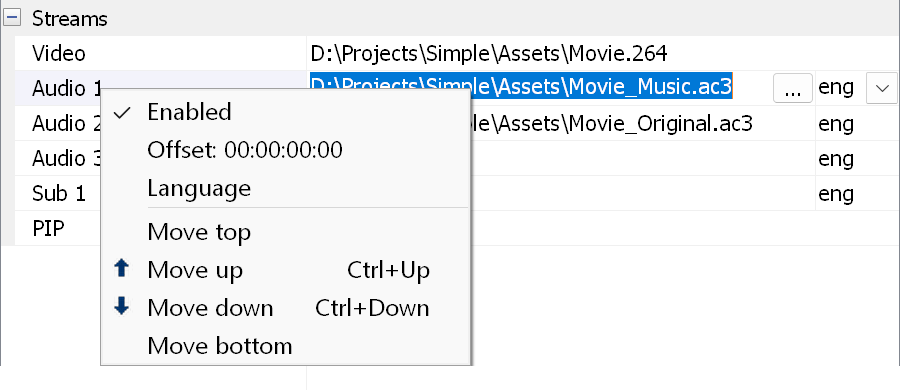
Enabled - you can disable the audio track by clearing the "Enabled" check box. This is useful when you need a movie and a playlist with different track combinations.
Offset - lets you change the offset of the audio track.
Language - opens a window where you can select the language of the track.
Move top/up/down/bottom - moves the selected track.