 on the main menu toolbar and select "Auto-assign sounds" - a window will appear:
Click the button
on the main menu toolbar and select "Auto-assign sounds" - a window will appear:
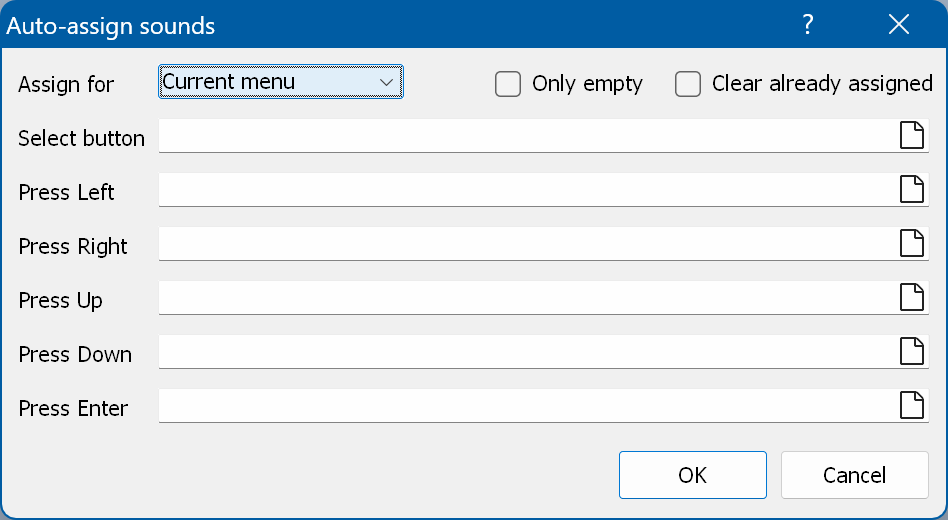
Assign for - where to assign the sounds: the current menu, all menus in the section, or the whole project.
Only empty - enable this if you want to assign sounds only to properties that are still empty.
Clear already assigned - enable this if you want to clear the sound properties that have already been assigned.