Batch operations
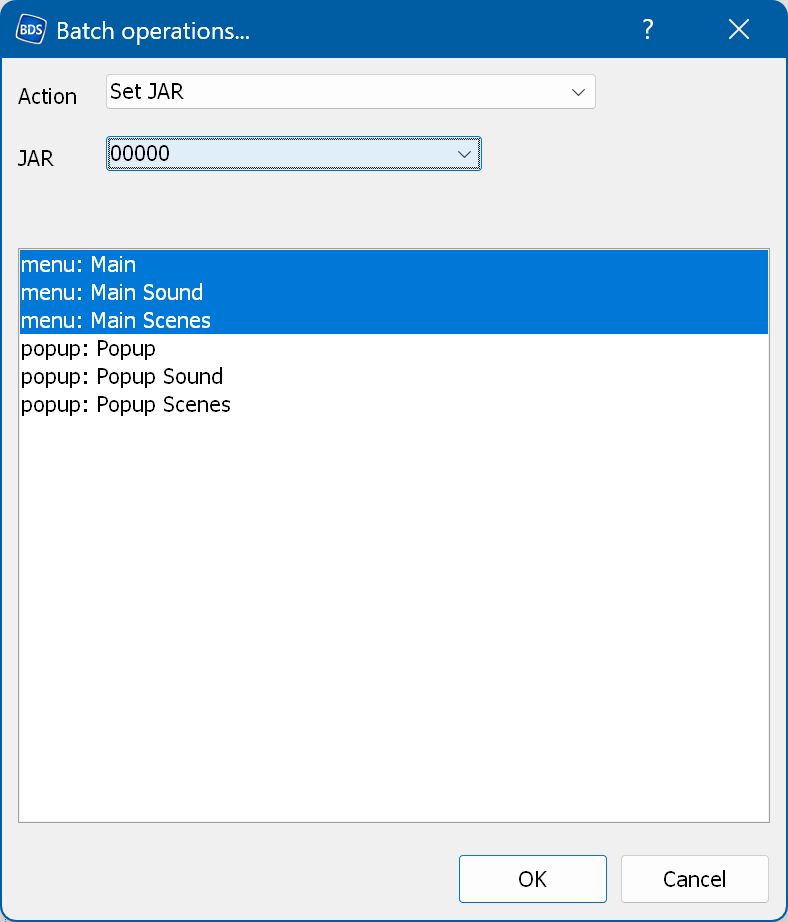
Lets you apply certain actions to the selected menus.
Action - the action to apply:
- Replace text in text states - searches for the specified text (case sensitive) in all text states and
replaces it with the new text.
- Replace text with rendered image - searches for the specified object name and, if it is a text object,
renders the text into the Rendered subfolder and replaces the object with the rendered image.
- Replace image in image states - looks for the specified image in all image states and replaces it with the new
image.
- Move object states - lets you move object states horizontally or vertically by a relative offset.
- Add or remove anim group - lets you add or remove animation groups for the specified objects.
- Paste action from clipboard - pastes an action from the clipboard into the specified target action.
- Paste animation from clipboard - pastes an animation from the clipboard into the specified target animation.
- Paste effect from clipboard - pastes an effect from the clipboard into the specified object state.
- Remove object by name - removes the specified object.
- Rename tree items and objects - lets you rename tree items and objects using patterns (regular expressions).
- Optimize images - removes duplicate images by replacing them with the first occurrence.
- Set JAR title - lets you change the JAR title property.
Object name is case sensitive. You can use a regular expression in the object name field by
placing a backslash ("\") at the beginning; this leading backslash is removed. For example,
"\Chapter" searches for all objects whose names begin with "Chapter", such as
"Chapter 1", "Chapter22", etc. To select all objects, use an asterisk (*) as the object
name.