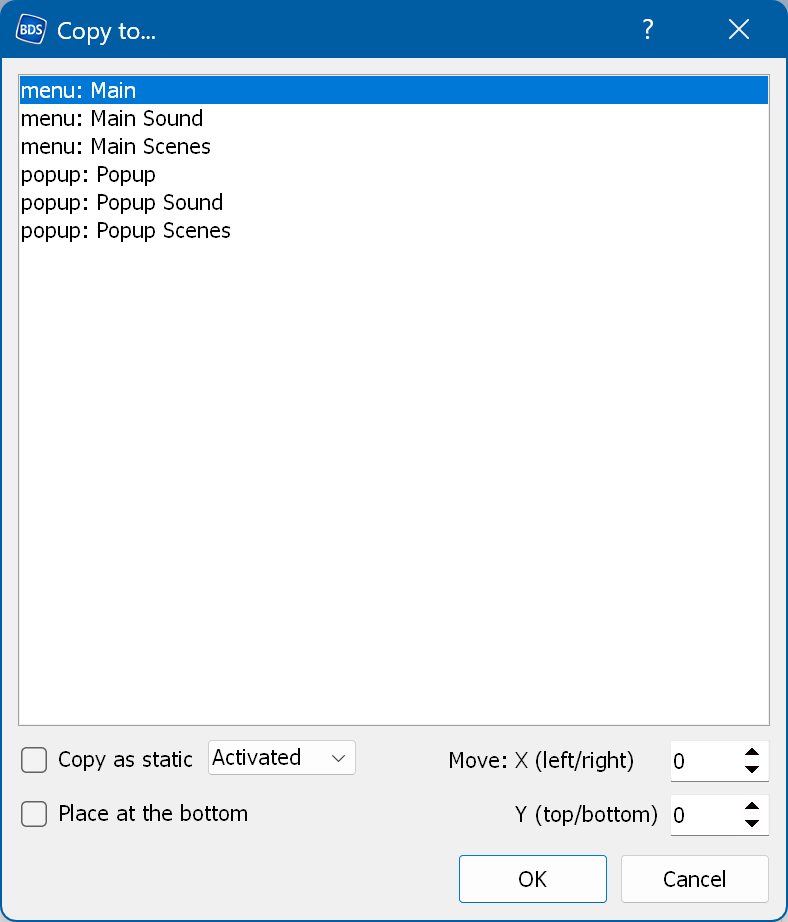
Lets you copy the selected objects from the current menu to the menus you select.
Copy as static - converts the copied buttons into static items. Here you can choose which state is used.
Place at the bottom - places the copied items at the bottom of the objects list.
Move X/Y - lets you move the copied objects along the X/Y axis.
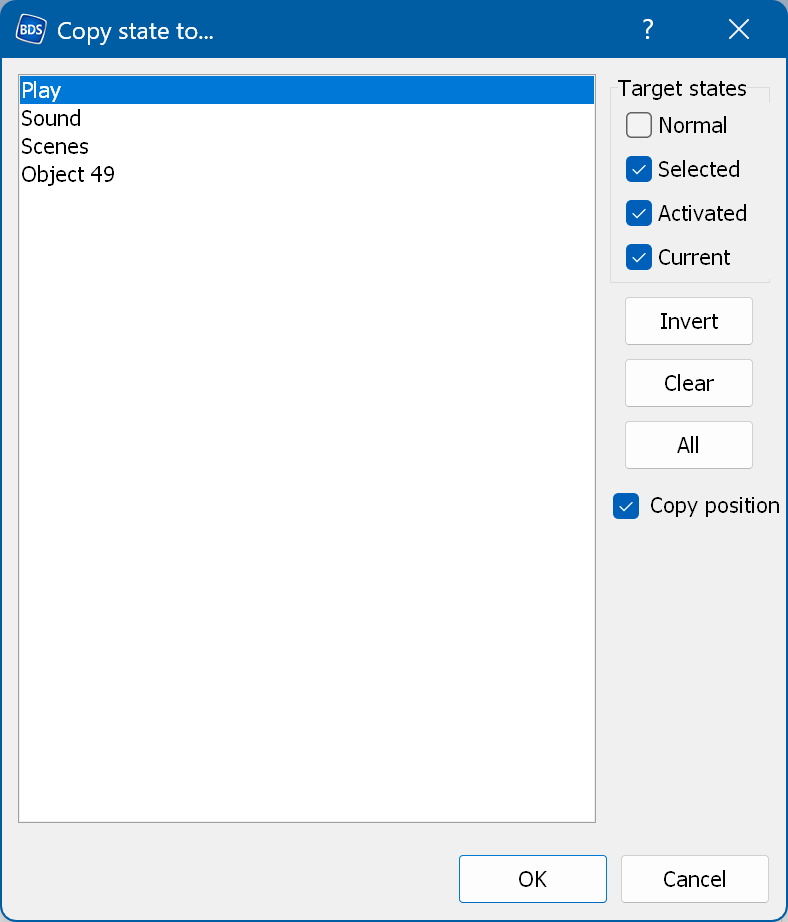
Lets you copy the selected state of the selected object to other states of other objects.
Here you can specify the target states (where to copy to).
Copy position - also copies the top/left coordinates.