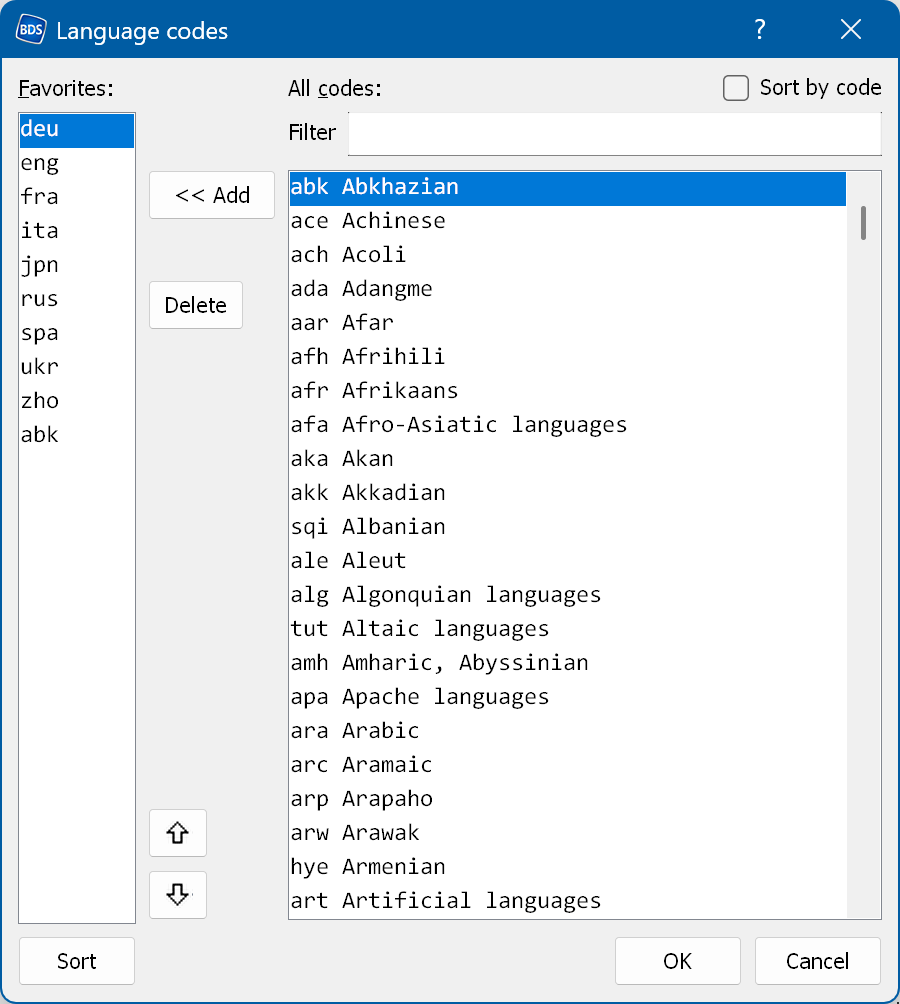
Here you can edit the language codes that are used in your menus by adding or removing codes.
This settings window can be opened from the menu Tools → Languages.
The same window is also used to select language codes in other parts of the application.
Filter - filters the list of all codes.
Auto-favorites - adds a language code to the Favorites list when you select it in "All codes" as the language of an audio/subtitle track.