You can add additional static images, text or rectangles (boxes) to a button state. Such static objects are visible together with that button state. Thus, if you add one to the Selected state, it is visible when the button is selected.
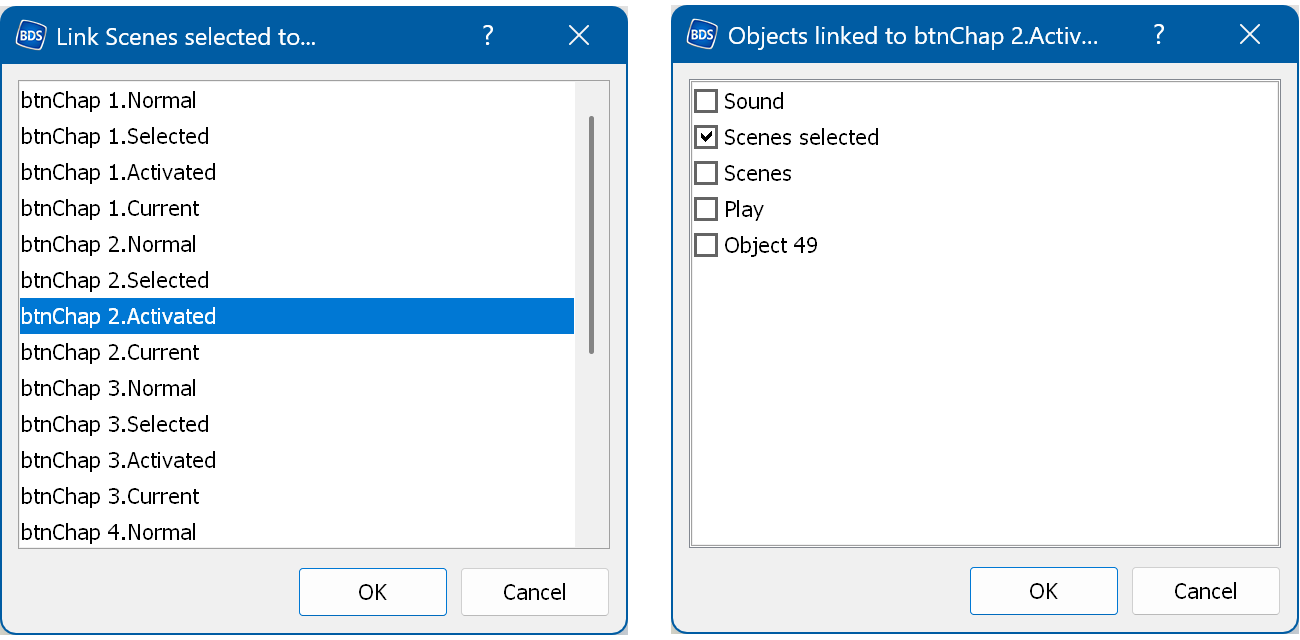
To do this, select a static object (image/text/rect) in the Objects list or in the Designer window, right-click it and select "Link objects" → "Link to...".
To see the linked objects, select a button state in the Objects list or in the Designer window, right-click it and select "Link objects" → "Linked objects".
To unlink an object, select "Link objects" → "Unlink".