WARNING! Please do not include objects that are far outside the screen in a fade animation. The PlayStation 3 has problems animating such objects. Currently validation only checks the "Animate all objects" case and shows a warning during compilation. If you move the objects into the screen area before the animation, using a script or the "Set object properties" action, you can ignore this warning.
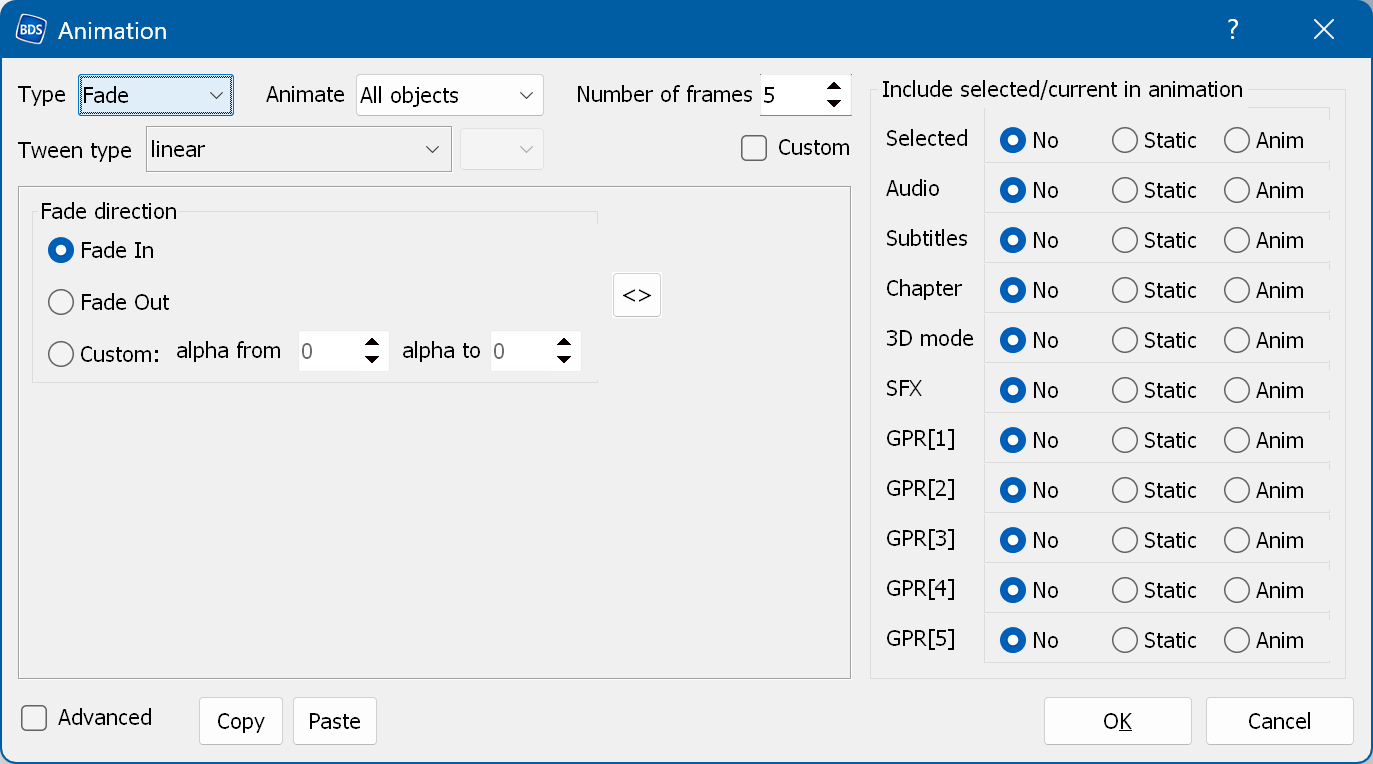
Fade direction - the direction of the animation: in - fade in (appearance), out - fade out (disappearance), custom - you can set the alpha value manually (0 is fully transparent, 255 is fully opaque).
Custom - converts the current animation settings into a script-like form and lets you edit them. The animation is defined by lines containing keyframes. The format of each line is as follows:
frame_number alpha_value tween_type
frame_number - the frame number of the animation. The first frame number must be zero.
alpha_value - the alpha value (from 0 to 255).
tween_type - the algorithm used for the transition from the previous keyframe to the current one. See more details here.