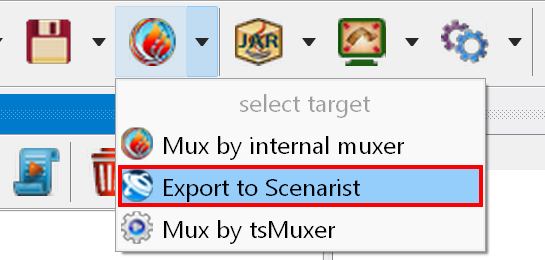
To export the project to Scenarist, select the required target in the target drop-down list on the toolbar of the main window (click the drop-down arrow):
and then click the "Export to Scenarist" button on the toolbar
 .
.
The application creates a project:
Select the Scenarist version you use in the application options.
To export to Scenarist, the application requires the Scenarist MUI Generator. You can specify the path to Scenarist in the application options.
The export process consists of:
We recommend using Scenarist 5.3.2 for 2D and Scenarist 5.6.0 for 3D.