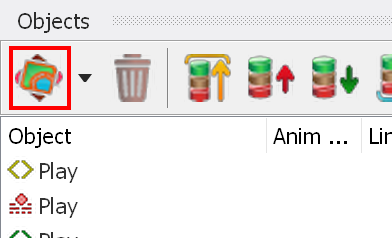
 button on the "Objects" tab of the "Project Tree" window:
If you need an empty button in your project, you must enable "Allow empty button states" in the Project properties.
You can then create an empty object (item) by clicking the
button on the "Objects" tab of the "Project Tree" window:
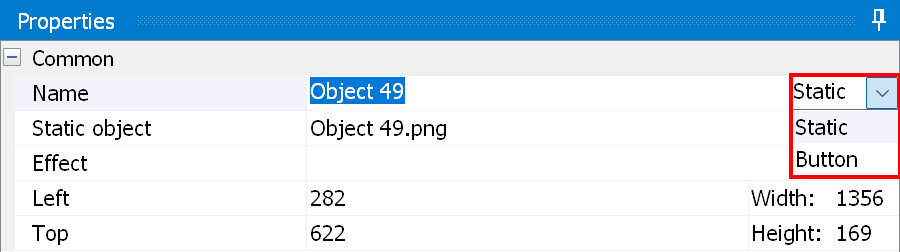
After you click "New", a new object appears in the list of objects. Select it and check "Button" in the "Property" window:
Empty buttons are usually used together with the "AUTO button" property. "AUTO button" means that the button executes its "Press ENTER" action automatically when it is selected:
