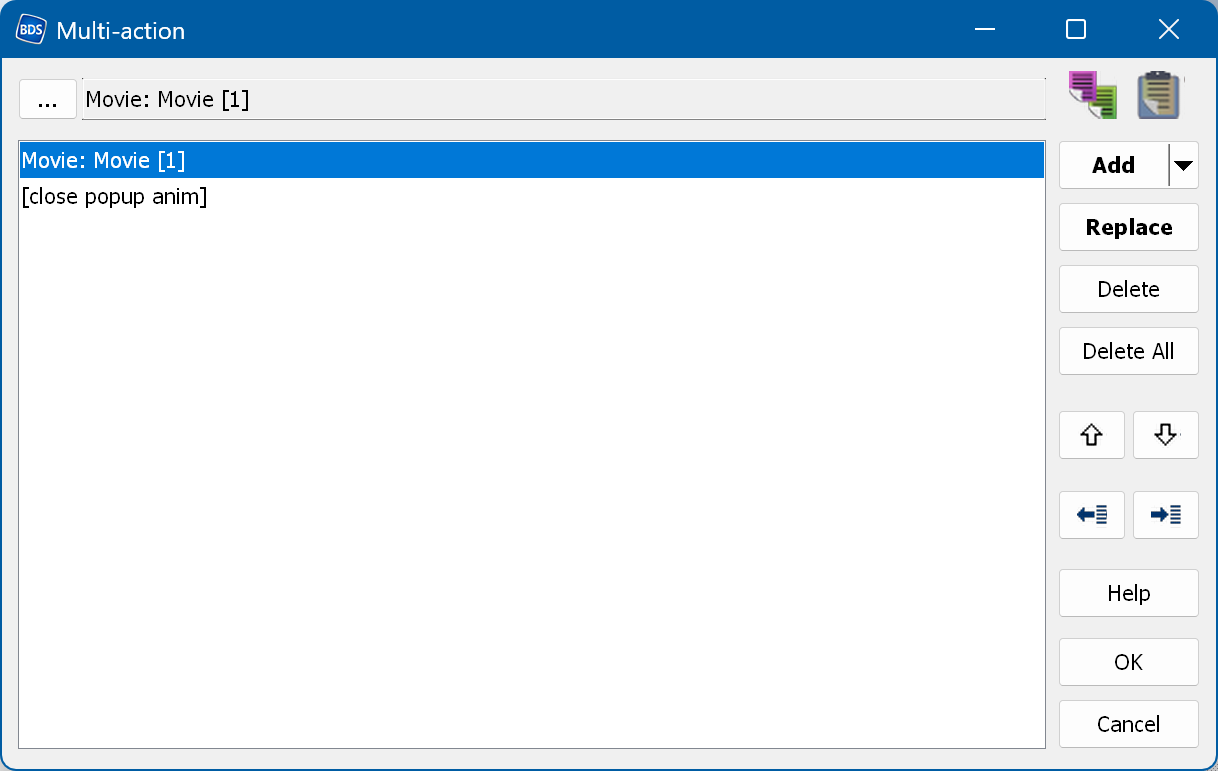
A multi-action is designed to perform several operations within a single action. You can set the subtitles, the audio, the 3D mode and the SFX, set a value and jump to a movie chapter or to another menu.
The button in the top left corner lets you select the action to add.
 - import a multi-action from a file.
 - export the multi-action to a file.
To add a new action, select the action by clicking the "..." button and then click the "Add" button.
To edit an existing action, select it in the list and double-click it. A middle mouse button click behaves the same way, but additionally starts editing the action (a double-click in the action field opens the quick action edit window if one is available).
To replace an existing action, use the "Replace" button: double-click the action, modify it and click "Replace".
 -
copy the action from the top field to the buffer.
-
copy the action from the top field to the buffer.
 -
paste the action from the buffer into the top field.
-
paste the action from the buffer into the top field.
The same commands are also available in the action popup menu.
Hotkeys: