In drawing modes without a "slash", the selected and current states are combined into separate groups. That is why they are animated separately.
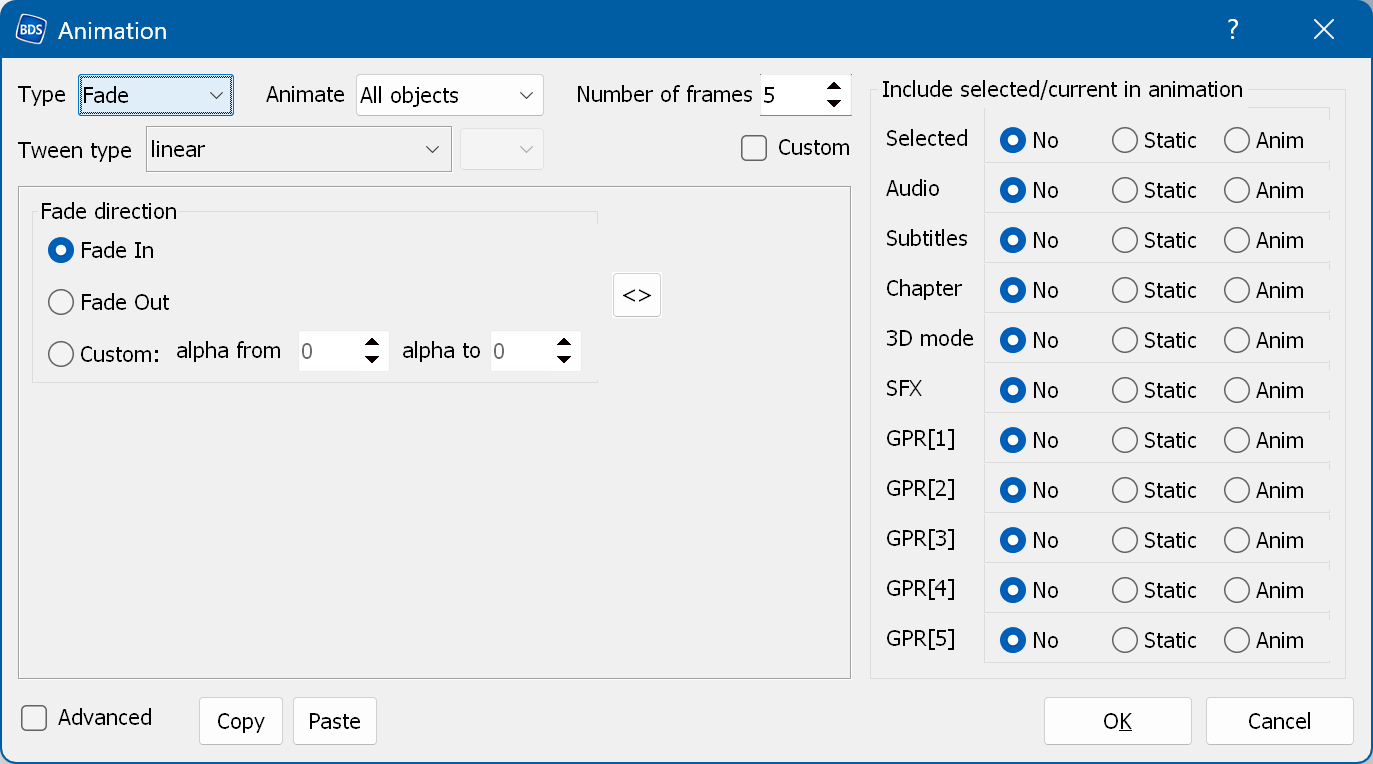
Include selected/current in animation - lets you include the Selected or Current states in the animation.
If "No" is selected, the selected/current state is not displayed during the animation.
If "Static" is selected, it is displayed as a static part of the menu during the animation.
If "Anim" is selected, it is animated together with the rest of the animation. If you include the selected state in a menu animation with a drawing mode containing a "slash" (Selected/Normal), all normal and selected states are included in the animation, because in these modes the selected state contains the normal states.
You can use the right-click menu to set all selected and current animations to No/Static/Anim.
Note: if you include a selected state that has an opacity effect in a fade animation, the opacity effect is not applied during the animation, because the opacity effect uses the same mechanism as the fade animation.