Note: using bookmarks requires a signed JAR ("Sign JAR(s)" in the Project properties). The bookmarks are kept in files of their own, so they do not depend on the "Disc settings" of the storage.
Working with bookmarks involves the notion of the "current bookmark": if you want to show a particular bookmark or jump to it, you first have to select it, making it the "current" one.
Once it is selected, you can use the "Jump selected bookmark" command to play the movie or playlist from the saved position, or show the time of the bookmark with the Change object property action.
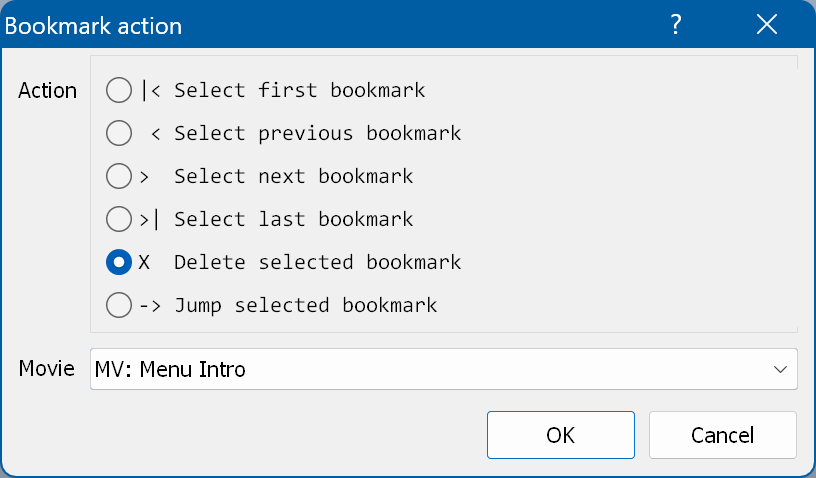
Selecting the action "Bookmarks" → "Edit" opens this window:
Action - the action to execute. The available actions are:
Movie - the movie/playlist.
If you need more control over the bookmarks, use Java code.