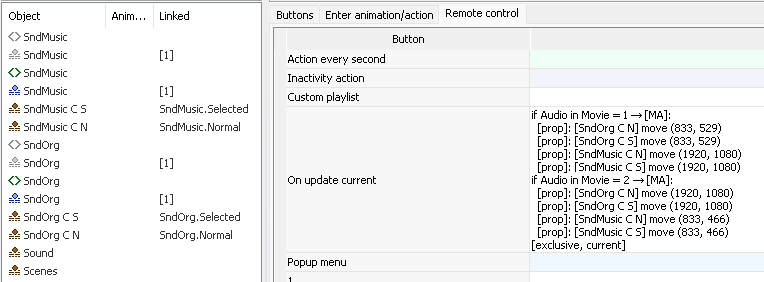
The "Current" state of a button is always the same, regardless of whether the button is selected, activated or inactive (normal). If you want the "Current" state to change when a button is selected or activated (pressed), you can achieve this with linked objects and the On update current action.
To do this:
You can use the wizard "Generate "On update current" for extended current states" to generate the "On update current" action.
The wizard only uses linked objects whose names match the button names and have one of the suffixes "C N"/"C S"/"C A", "N C"/"S C"/"A C", "CN"/"CS"/"CA", "NC"/"SC"/"AC", "cur" or "current". You can import such linked objects from the native PSD format.
Do not forget to assign the Set Audio/Subtitle or Jump Chapter actions before running the wizard - the wizard uses these actions to build the conditions.