You can change the scale of the video in a multi-action or a switch (or directly in a script (Java code)).
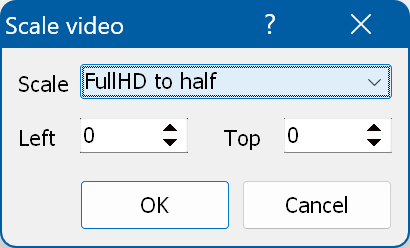
To do this in a multi-action or a switch, select the "Scale video" command in the action menu. The "Scale video" window appears:
The video can be scaled to half (Full HD to half or Ultra HD to half) or to a quarter (Full HD to quarter or Ultra HD to quarter) of the screen. To scale the video back, select "Restore the original".
Here you can specify the position of the scaled video on the screen.