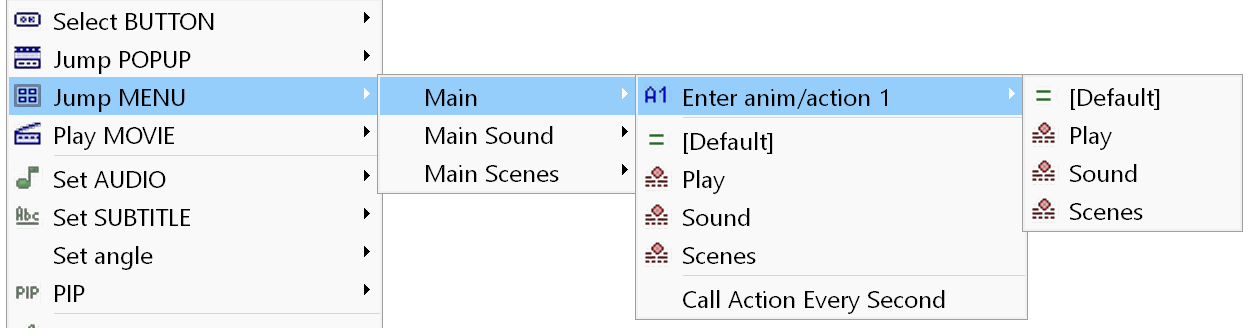
Select BUTTON - moves the selection to another button in this menu.
Jump MENU - jumps to another menu.
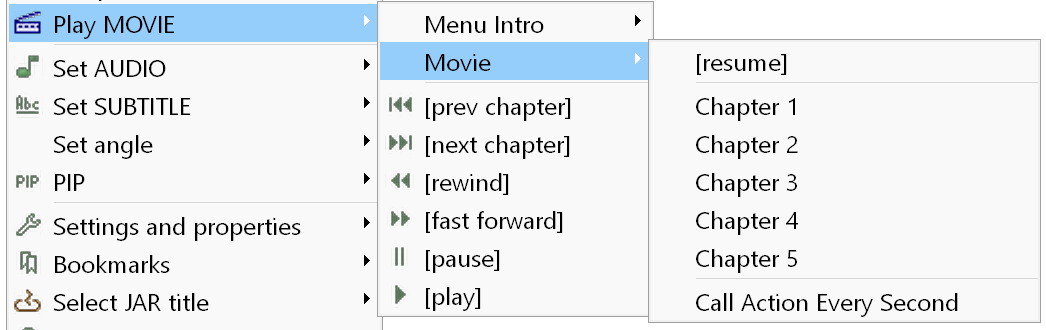
Play MOVIE - plays the selected movie. You can jump to a specific chapter or resume the movie (play it from the last played position). When the playback of the movie ends, the resume time is reset to 00:00:00,00.
The following additional actions are available:
- "next chapter" and "prev chapter" - jump to the next or the previous chapter of the current movie. Do not use them in the End action of a movie.
- "rewind" and "fast forward" - rewind the current movie backward and forward. They use predefined speed values, which you can change in the Project properties.
- "pause" and "play" - pause and resume (play again) the current movie.
Please note that starting a new movie from a popup menu does not change the popup menu. The "Auto show popup" option has no effect here either.
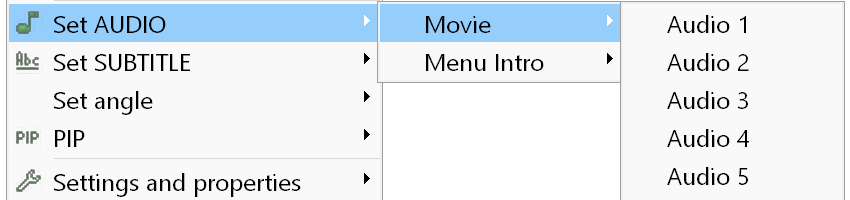
Set AUDIO / SUBTITLES - sets the audio / subtitle track for the selected group:
Here "Movie" and "Intro" are not the names of movies, but the names of the groups.
The "Subtitles off" action only switches the subtitles off, without changing the track (stream).
PIP - switches PIP on/off and changes the PIP video and audio tracks. Described here.
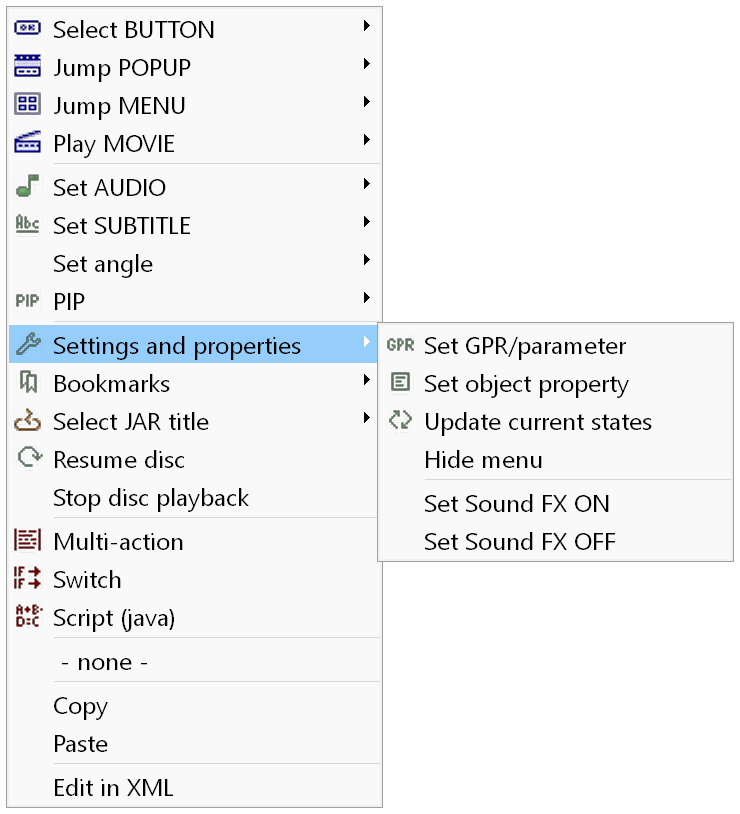
Settings and properties
Set GPR/parameter - lets you change the value of a GPR or of a user-defined parameter. Available only in a Multi-action or a Switch.
Set object property - lets you move object states and change the text of text objects. Opens the Change object property window.
Update current states - updates the current states of the specified menu. Described here.
Scale video - lets you change the scale of the video. Available only in a Multi-action or a Switch.
Reset movie resume - resets the resume time of the specified movie.
3D mode ON/OFF - switches the 3D mode on/off.
Sound FX ON/OFF - switches the button sounds on/off.
Bookmarks - contains a submenu with the Add and Edit commands. Add - adds a new bookmark for the current playlist. Edit - opens the Bookmark action window. This menu item is only visible if JAR signing is enabled in the Project properties.
Select JAR title - lets you select another JAR title. You can add JARs in the JAR settings window. This action requires JAR signing. In the Two Titles/Three Titles modes, two additional actions are available:
Please note: converting the "Select Menu title" and "Select Movie title" into script disables the use of transition movie in that particular place.
Restore data from storage - restores the saved disc data from the storage. Available only in a Multi-action or a Switch.
Resume disc - restores the disc data and position (resumes the movie or jumps to the menu).
These two actions are only offered if JAR signing is enabled and "Disc settings" is not set to "Do not store" in the Project properties.
Stop disc playback - stops the disc playback (returns to the player menu).
Multi-action - described here.
Switch - described here.
Script (java) - lets you enter Java-based code.
User defined functions - creates a script (see above) and adds a call to one of the predefined user functions.
Call Action Every Second - calls the action specified in the Action Every Second property of the menu/popup/movie/playlist.